 Foodtim
Your food, at a glance
Photos, quantities and date labels make it easy to see what is in each fridge.
A LITTLE MORE ORGANISED
See what you have, keep track of dates, and use the food that needs your attention first.
iPhone · iOS 26 and later · English & 简体中文
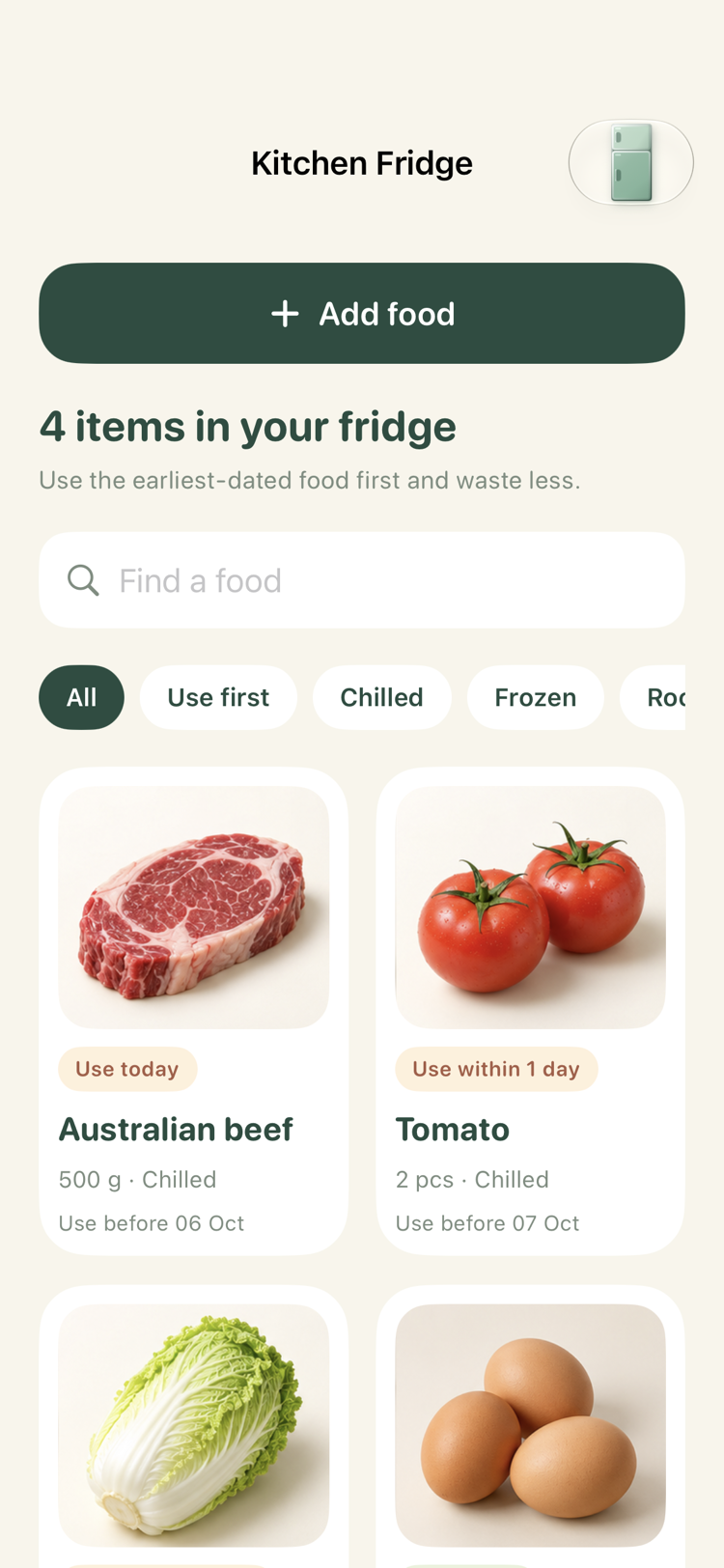
A simple place for your groceries, the dates you record, and your next home-cooked meal.
Photos, quantities and date labels make it easy to see what is in each fridge.
Choose a daily time. One local notification brings together the foods that need checking across your fridges.
Three home-style recipes use matching ingredients in your fridge, with earlier-dated food considered first.
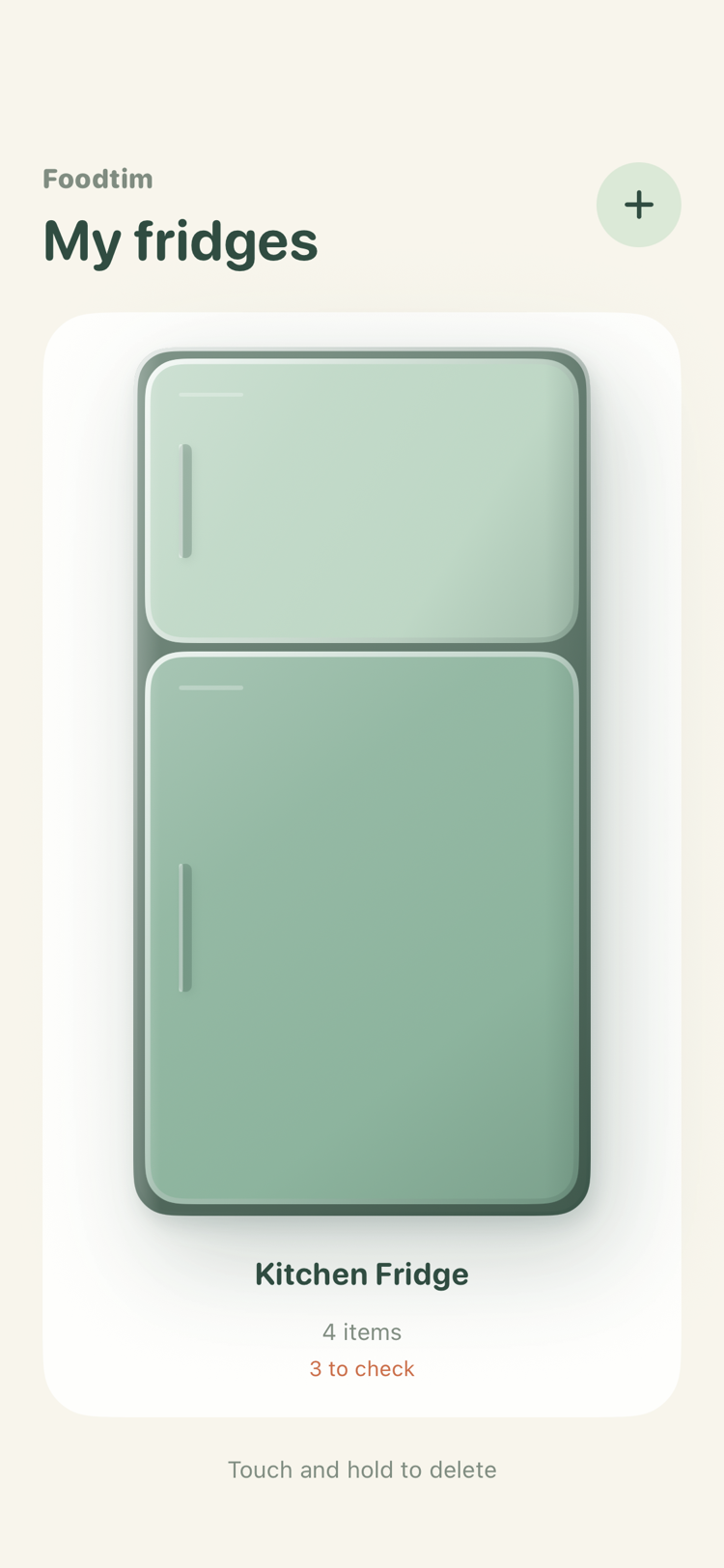
Name it, choose its doors and colours, then start keeping track. You can manage up to four fridges.
A kitchen fridge, a second fridge, or whatever feels like home.
Search by name, choose a suggested or package date, and take or select a photo if you like.
Your saved food details and photos make the next purchase easier to add.
Foodtim is independently developed by Zixiong Wei. It is currently being prepared for release. Barcode lookup, receipt scanning and cross-device sharing are not available in this version.